
The interactive kiosk in the Heritage Corner is a Dell XPS-27 PC.
An adapter kit was purchased to mount the PC to the wall behind the center panel of the Heritage Corner. The adapter kit REPLACES the standard adjustable stand included with the XPS27.
Once the stand is replaced with the adapter kit the unit can be mounted to the wall using an off-the-shelf mounting kit.
These are the steps used to replace the stand with a wall mount adapter.
The rear panel was removed and two vertical slots were cut to enable the use of the adapter. This photo shows the modified rear panel.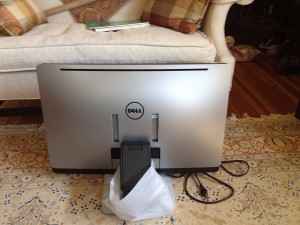
This photo shows the PC stand attached to the frame of the PC.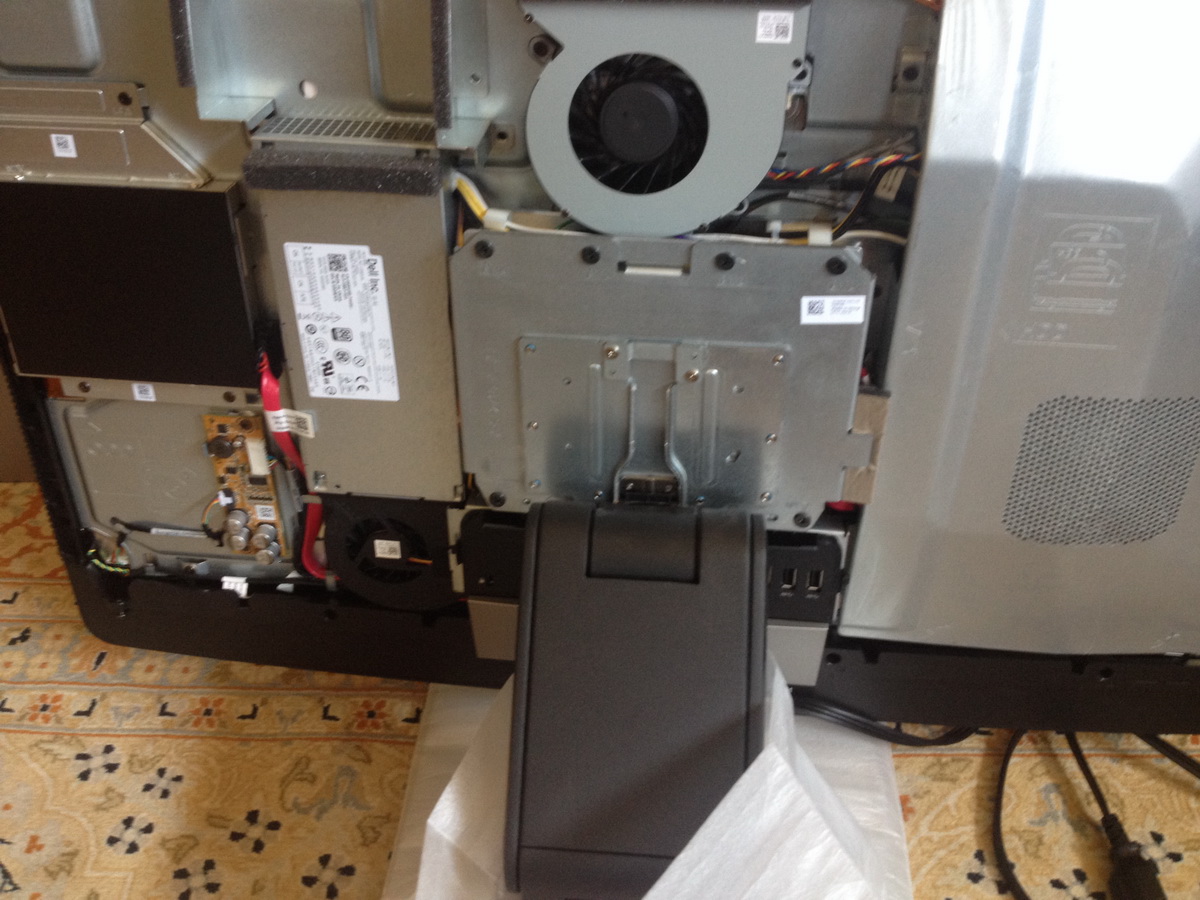
Once the PC is ready for wall mounting, the plate attached to the stand and mounted to the PC will be removed and replaced with the adapter plate. The two 2″ black standoffs are attached to the adapter plate prior to installation on the PC.
The rear cover is then replaced and the adapter plate is attached, completing the assembly.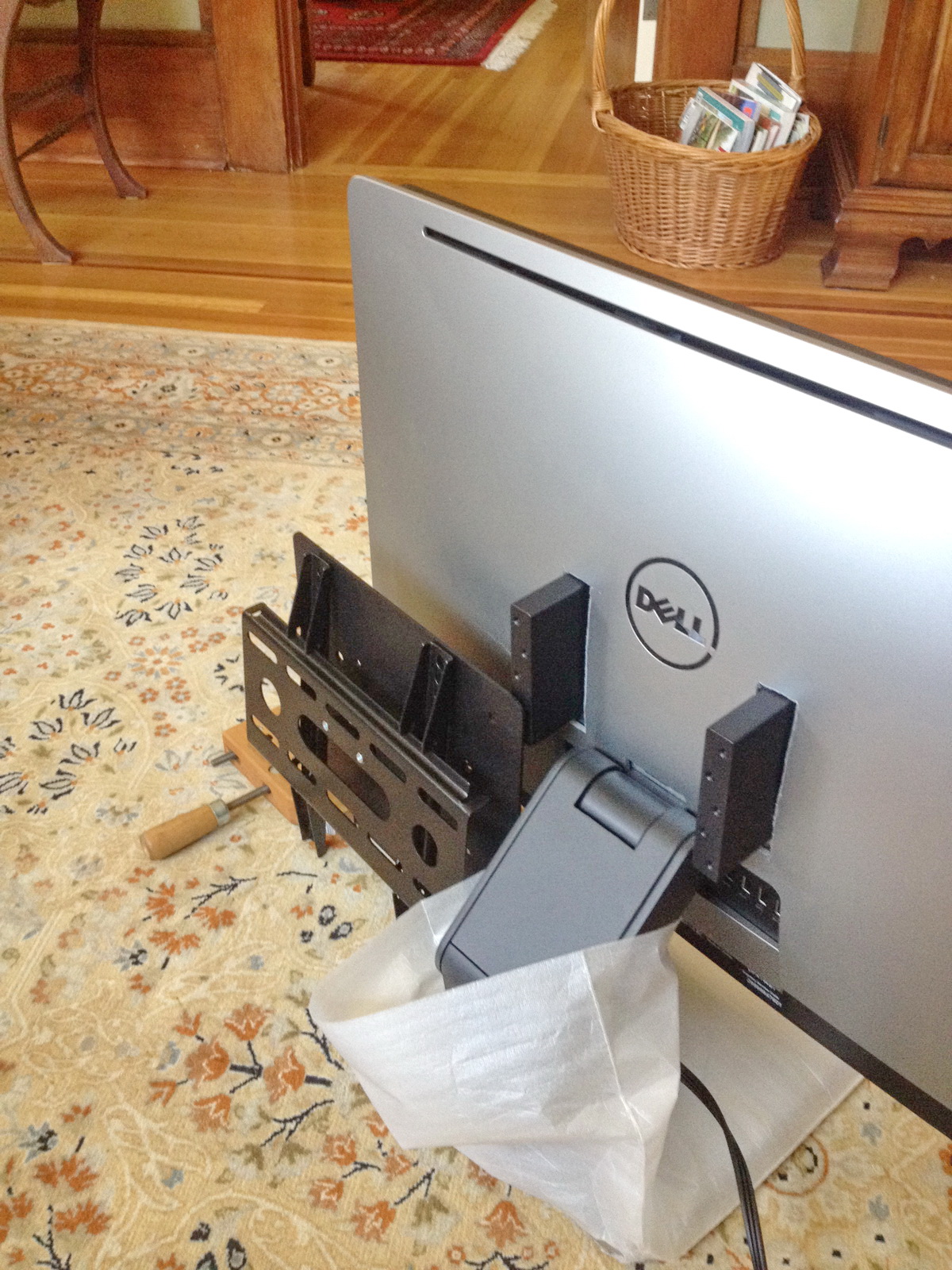
Once completed the PC is ready for wall mounting. NOTE THE PC STAND WOULD NO LONGER BE ATTACHED.
In the above picture the RCA wall mount is shown as well.
The wall mount kit selected for use with the adapter kit is an RCA-MAF15BKR LCD TV Wall Mount.

This mount has four parts:
- The wall bracket
- Two mounting arms
- A security bar to prevent the PC from slipping off the wall bracket (and can be locked as a security measure)
The distance from the mounting wall to the adapter assembly is 1″. The adapter is 2″ deep. The distance from the plate mounted to the rear of the PC to the front of the PC is 1 9/16.
The total distance from the vertical wall surface to the front of the PC display is 5 9/16 “.
This is the RCA wall mount installation manual: MAF15BKR_OM-WALL MOUNT MANUAL
This is the installation guide for the adapter plate: XPS27INSTALLATIONINTRUCTIONS